🍪Cookies that follow you everywhere

In web browsing, cookies are tiny bit of data that helps the website identify you. For instance, this website Internews Studio stored a little bit of data on your browser that you have previously logged in. Without that cookie, you would have to log in with your password every time, because the browser doesn't remember if you have signed in or not.
In your browser, you can browse how much cookies are stored in the browser.
For Chrome, you can search by entering this: chrome://settings/content/all?search=site+setting
Third party cookies / Tracking
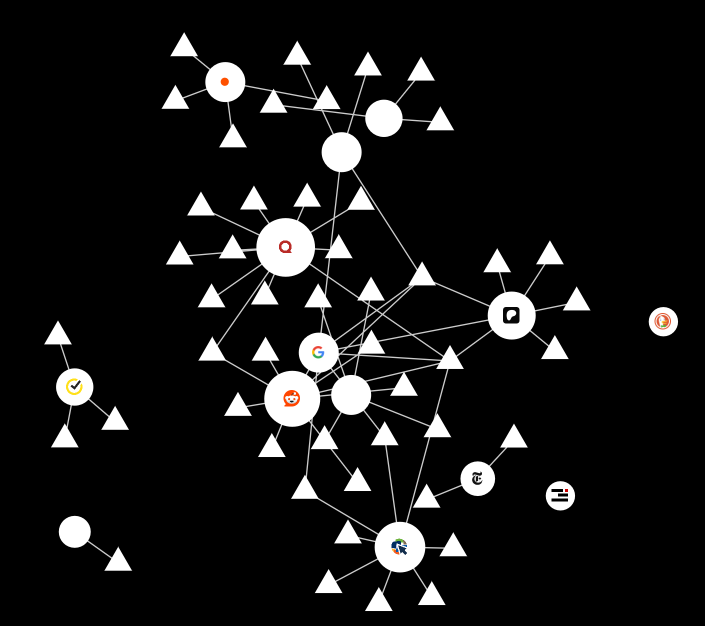
(This is the amount of cookies I generated from writing this page, like in 2 hours lol)
The concern here is the third party cookies or the cookies that are designed to track you and serve you ads. This is like how we got served ads about shoes after search shoes on Google.
General recommendations:
Using an ablocker can block some tracking cookies. We recommend these two adblockers.
- Ublock Origin: https://ublockorigin.com/
- Adnauseam: https://adnauseam.io/
- Privacy Badger: https://privacybadger.org/
- (Privacy Badger only blocks trackers and not ads)
Unsure if your adblocker is blocking trackers? Use this website to check if your browser is blocking trackers.
Resources:
- I Visited 47 Sites. Hundreds of Trackers Followed Me - This is a great article illustrates how much cookies are following us while we browse online.