What is a Password Manager?
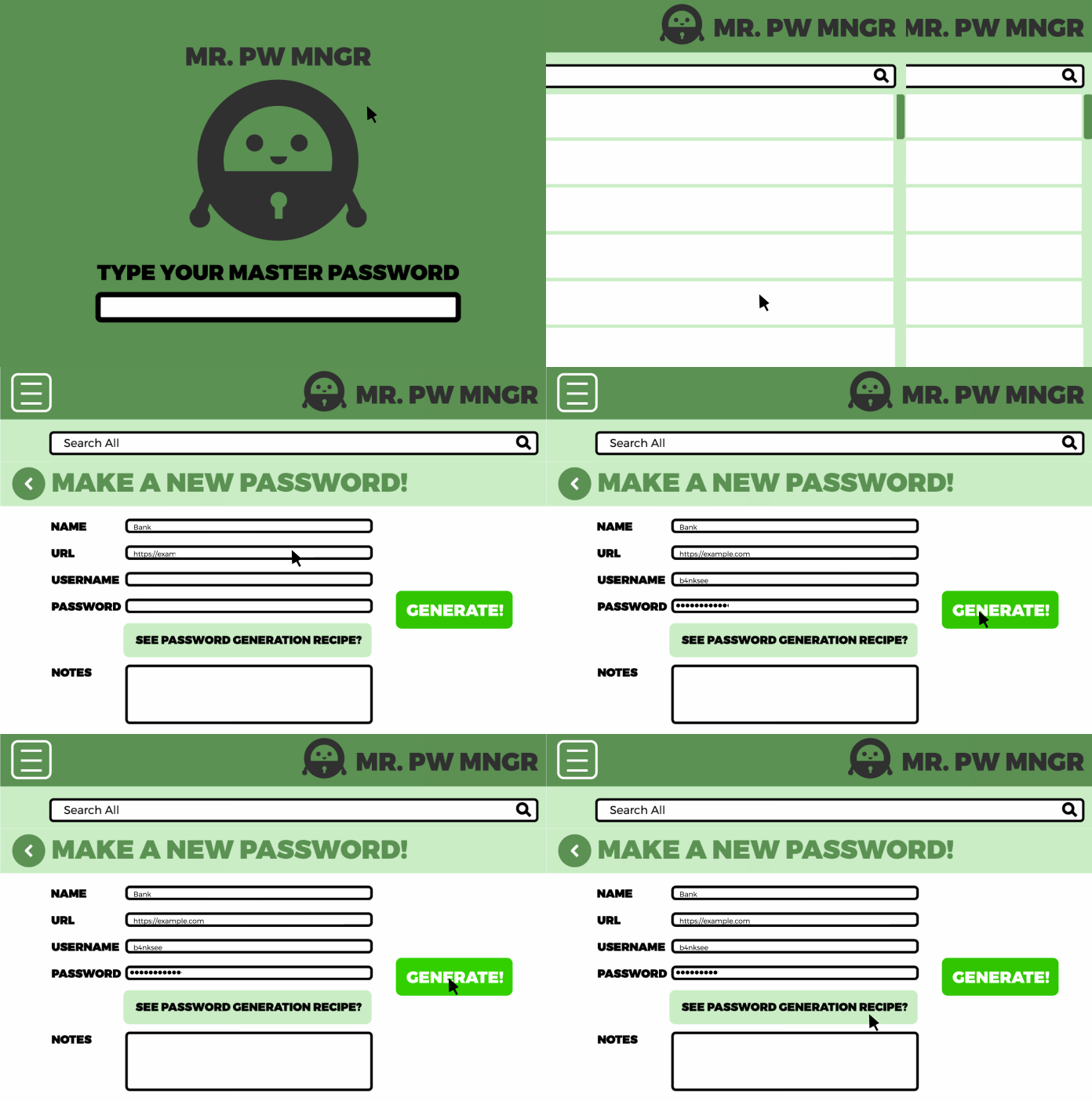
We all have so many online accounts that it can be hard to remember all our passwords! Not only the passwords have to be long and complex, they should be different passwords across different accounts. Since it is impossible for us to memorise all passwords, a password manager is a tool that helps you keep track of your passwords securely.
Encrypted Storage
| Storing passwords with a Spreadsheet | Storing passwords with a Password Manager |
| Not encrypted: anyone who gained access to the spreadsheet file can read all the password. | Encrypted storage: The data is stored encrypted and can only be decrypted with a master password. |
A password manager stores your passwords in a special way that keeps them safe, called encrypted storage. This means your passwords are turned into a secret code that only you can unlock with a master password or another way of verifying your identity. Even if someone else gets hold of your password manager file, they won’t be able to read your passwords without your master password.

Here are a few popular password managers you can use:
-
Bitwarden: Bitwarden is an easy-to-use password manager that offers a free version and a paid version with extra features. It lets you store an unlimited number of passwords, create strong new passwords, and sync your passwords across all your devices.
-
ProtonPass: Made by the creators of ProtonMail, ProtonPass focuses on keeping your data private and secure. It works well with other Proton services and uses strong encryption to keep your passwords safe.
-
KeepassXC: KeepassXC is another option, especially if you prefer to keep your passwords stored on your own device rather than in the cloud. It’s very customizable and supports various plugins to make it even more powerful.
The above recommendations are all open source password manager. We usually recommend open source applications, read more about open source tools here.
Online vs. Offline Password Managers
There are two main types of password managers: online and offline. Each type has its pros and cons.
Online Password Managers
Online password managers store your passwords on the internet, which means you can access them from any device connected to the internet. Bitwarden and ProtonPass are examples of online password managers.
Advantages:
- Easy Access: You can get to your passwords from any device, anywhere.
- Syncing: Your passwords are always up-to-date on all your devices.
- Backup: Your passwords are saved online, so you won't lose them if something happens to your device.
Disadvantages:
- Internet Needed: You need to be online to access your passwords.
- Security Risks: Storing passwords online can make them targets for hackers, but strong encryption helps keep them safe.
Offline Password Managers
Offline password managers keep your passwords stored only on your own device. KeepassXC is an example of an offline password manager.
Advantages:
- Better Security: Since your passwords aren’t online, they’re less likely to be hacked.
- Control: You have full control over where and how your passwords are stored.
Disadvantages:
- Limited Access: You can only access your passwords on the device where they are stored.
- No Automatic Syncing: You have to manually update passwords on different devices.